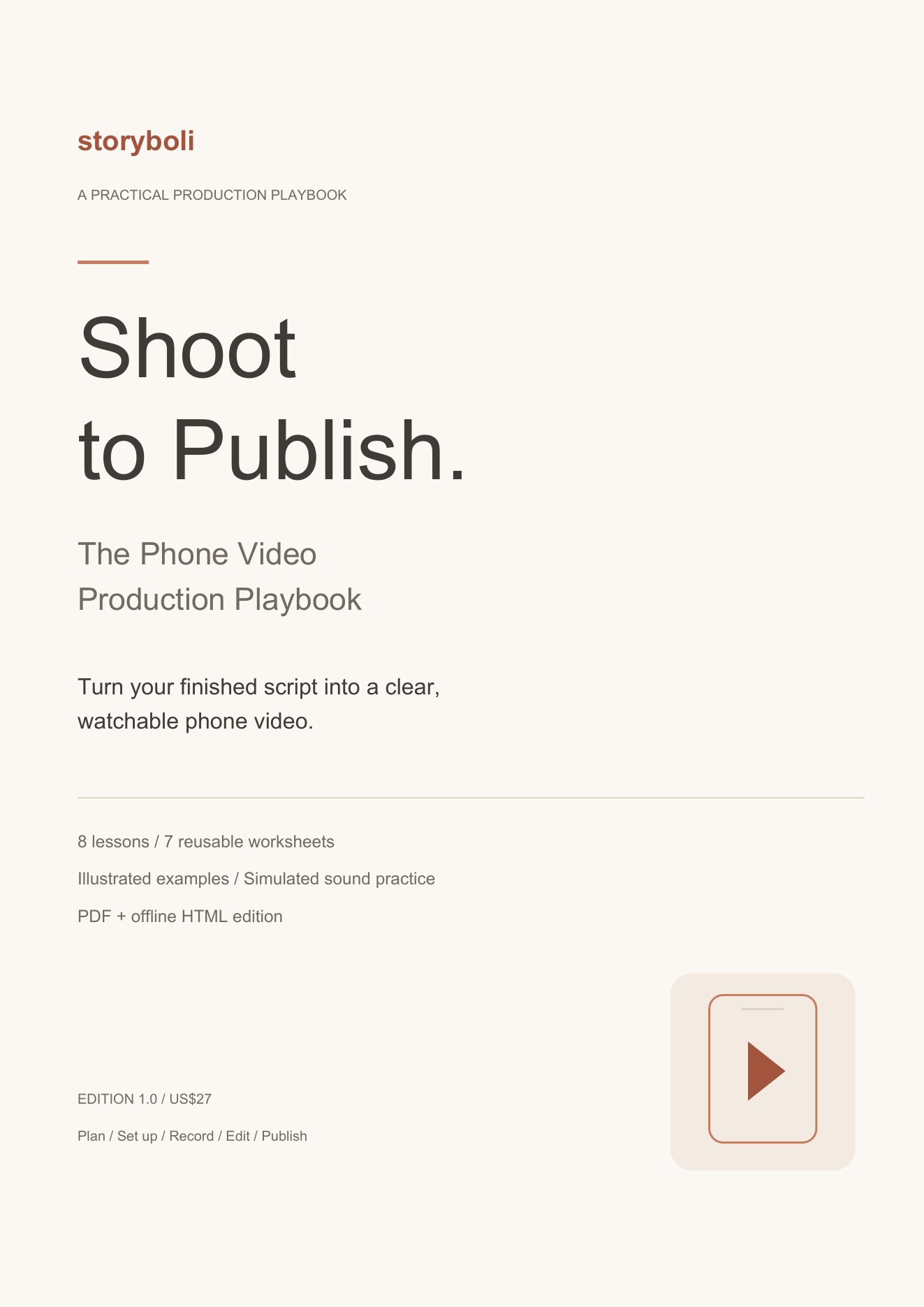
Make the video your script needs
A finished script still needs a clear picture, understandable sound and an edit the viewer can follow. Shoot to Publish takes one short video through preparation, recording, editing and a reviewed upload.
What is included
- Eight practical lessons from preparation through publishing
- Seven reusable production worksheets, including an editor feedback log
- A hypothetical worked sound-test project with script, shot plan, example filenames and review criteria
- Original production illustrations for the workflow and each lesson
- Troubleshooting and final publishing checklists
- Two clearly labeled synthetic audio exercises: speech and the same speech with generated noise
- A 29-page PDF plus complete offline HTML with editable worksheet notes and local notes export/import
Who it is for
Beginner creators, freelancers and small business owners filming short talking-head videos with supporting footage, alone or with one helper.
How to use it
Bring a finished script, complete the brief, test the setup, record the shot list, assemble the edit and review the exported file. Reuse the worksheets for your next shoot.
Format and delivery
Edition 1.0. US$27. Digital product: illustrated PDF plus an offline HTML workbook in the customer ZIP. The HTML supports worksheet notes, local notes export/import and playback of the included WAV files. The two audio examples use synthetic speech; one has generated noise added. They are listening exercises, not actual phone recordings, fan tests or measured improvements.
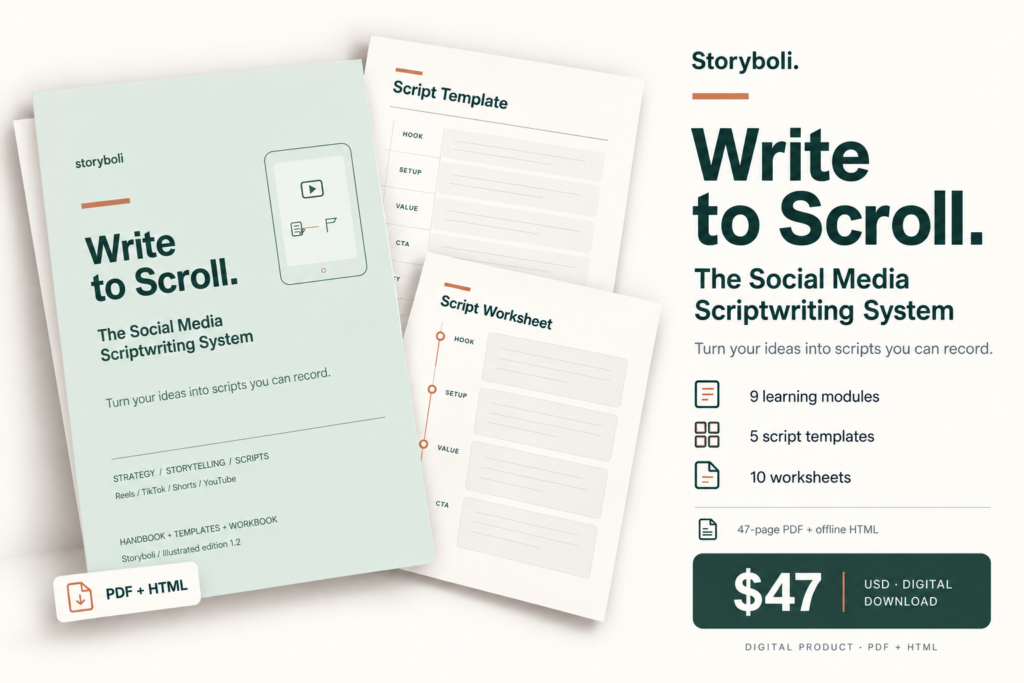
A companion to Write to Scroll
Write to Scroll helps you develop the script. Shoot to Publish focuses on filming, editing and publishing it. You can also use a script you wrote yourself.
What to expect
This is a practical production guide with a hypothetical worked project. No recorded video lessons or individual coaching are included. It does not promise views, audience growth or sales.
Frequently asked questions
Do I need professional equipment?
Start with your existing phone, a stable support, available light and a quiet recording space. Test the setup first. Extra equipment can help a specific problem, but it is not a prerequisite.
Do I need Write to Scroll first?
Bring a finished script. You can use your own script or develop one with Write to Scroll. This playbook focuses on producing the video after the writing is ready.
What files will I receive?
The illustrated PDF and a ZIP containing the PDF, complete offline HTML and two labeled synthetic audio exercises. The HTML lets you type worksheet notes and download a local notes file. Keep its media folder beside it. No recorded video lessons or individual coaching are included.
Look inside both books
Read the opening pages and explore the full tables of contents before you buy. These are samples, not the complete books.
Write to Scroll — table of contents
- Start here
- How to use this system / 02
- The Storyboli workflow / 03
- Quick glossary / 04
- Part 1 / Learn
- Clarity before scripts / 06
- Hook mastery / 07
- Choose purpose, format and funnel / 08
- Write short-form scripts / 09
- Write long-form scripts / 10
- Pick a framework deliberately / 11
- Hold attention without wasting it / 12
- Build a repeatable system / 13
- Package your skill as a service / 14
- Part 2 / Apply
- Decision guide / 15
- Formats and styles / 16
- Framework reference / 17
- Hook starters / 18
- Style hooks / 19
- Story hooks and CTAs / 20
- Five script templates / 21
- Profile introductions / 26
- Part 3 / See it work
- Complete three-page walkthrough / 27
- Worked short scripts / 30
- Worked YouTube script / 32
- Part 4 / Write
- Performance-review guide / 35
- Workbook and ten worksheets / 36
- Next steps and references / 47
Shoot to Publish — table of contents
- Start with one video
- Lesson 1 Plan one useful video
- Lesson 2 Choose the location and light
- Lesson 3 Set up the phone and frame
- Lesson 4 Check sound before the full take
- Lesson 5 Capture supporting footage with a purpose
- Lesson 6 Record in an order you can manage
- Lesson 7 Build an edit the viewer can follow
- Lesson 8 Export check and publish
- Worked example from script to footage
- Worked example shot plan
- Worked example recording and editing
- Worked example delivery and review
- Worked example production records
- Sound practice with simulated samples
- Fix the problem before the next take
- Worksheet 1 Production brief
- Worksheet 2 Setup and sound test
- Worksheet 3 Shot list
- Worksheet 4 Recording run sheet
- Worksheet 5 Editor handoff
- Worksheet 5 Review feedback
- Worksheet 6 Export and publishing check
- Worksheet 7 Production debrief
- Finish one video and keep the process
- Use your files and worksheets
- Reference notes
Reviews
There are no reviews yet.